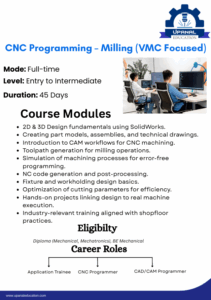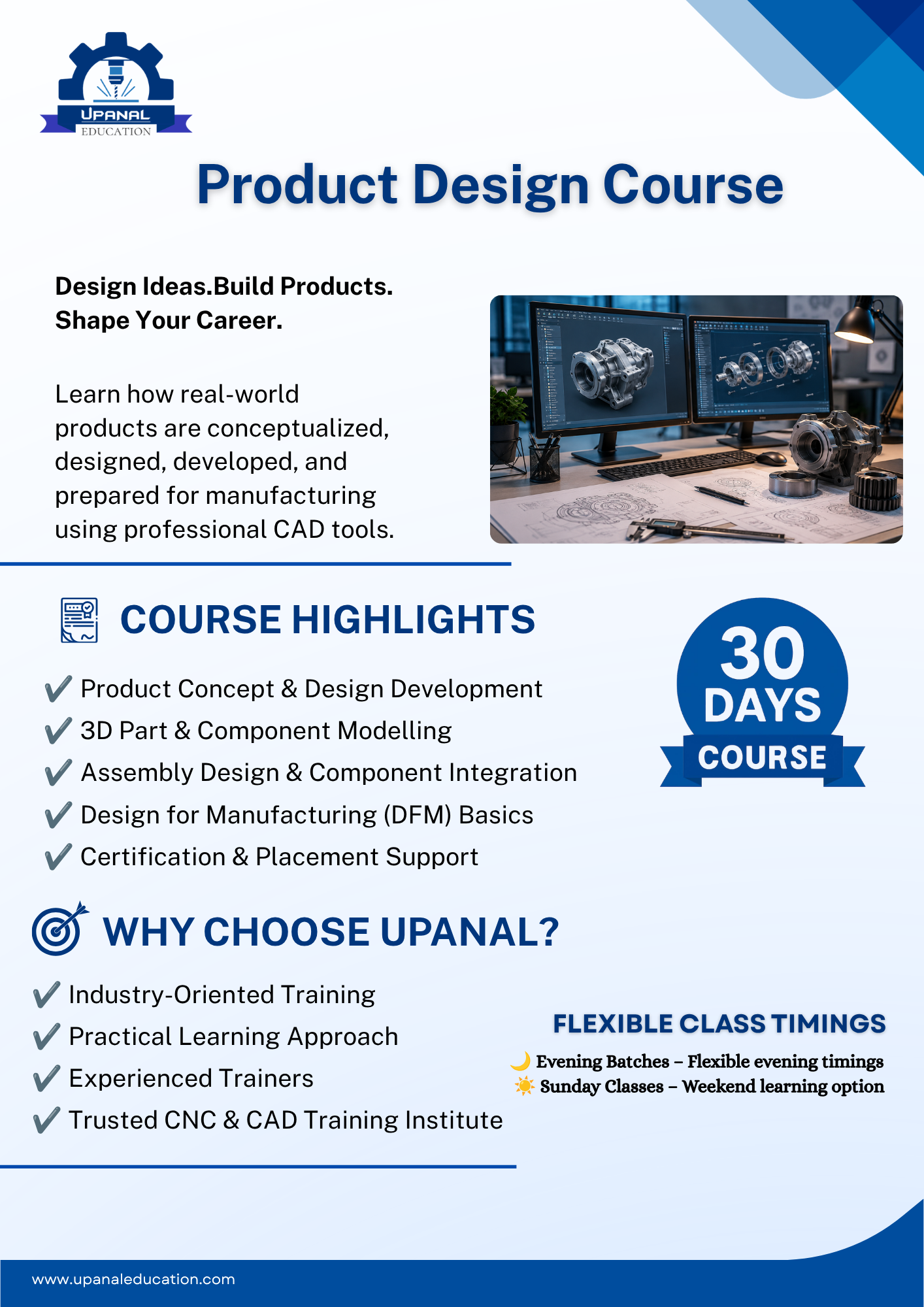
CAD (Computer-Aided Design) is one of the most valuable skills in the manufacturing and engineering industry. It helps designers create accurate 2D drawings and realistic 3D models for production. Therefore, improving your CAD design skills can increase your productivity, enhance design quality, and open better career opportunities.
Whether you are an ITI student, Diploma student, Mechanical Engineering graduate, or working professional, mastering CAD software can help you succeed in product design, CNC machining, and manufacturing.
What is CAD Design?
CAD Design is the process of creating digital drawings and 3D models using computer software such as SolidWorks, AutoCAD, CATIA, Autodesk Inventor, Fusion 360, or Creo.
Unlike manual drafting, CAD allows designers to create accurate models, modify designs quickly, and prepare products for manufacturing.
As a result, industries use CAD software to reduce design time and improve product quality.
Why Should You Improve Your CAD Skills?
Strong CAD skills help you design products more efficiently. Moreover, they improve your problem-solving ability and make you more valuable to employers.
Benefits of Better CAD Skills
- Create accurate engineering drawings
- Design complex 3D models with confidence
- Reduce design errors
- Improve productivity
- Increase job opportunities
- Prepare designs for CAM and CNC machining
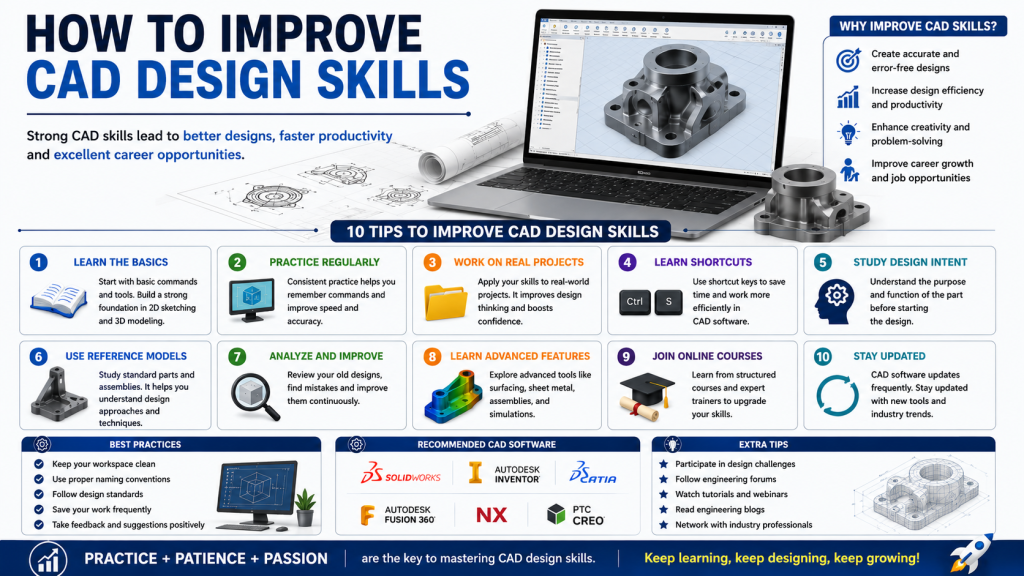
10 Effective Ways to Improve CAD Design Skills
1. Learn the Fundamentals
A strong foundation is the key to becoming a skilled CAD designer. Therefore, start by learning sketching, dimensions, constraints, and basic modeling tools.
Focus On
- 2D Sketching
- Basic Features
- Dimensions
- Constraints
2. Practice Every Day
Regular practice builds confidence and improves speed. Even one hour of daily practice helps you remember commands and develop better design techniques.
Moreover, consistent practice helps you solve design challenges more efficiently.
3. Work on Real Engineering Projects
Instead of creating only simple models, design real machine components.
For example, practice designing:
- Flanges
- Shafts
- Couplings
- Bearings
- Brackets
- Fixtures
As a result, you understand practical manufacturing requirements.
4. Learn Keyboard Shortcuts
Using shortcuts saves time and increases productivity.
Furthermore, experienced CAD designers use shortcuts to complete projects faster.
5. Understand Engineering Drawings
A good CAD designer knows how to read engineering drawings correctly.
Therefore, learn:
- Orthographic Views
- Section Views
- Tolerances
- Surface Finish Symbols
- GD&T Basics
These skills improve your technical knowledge.
6. Study Existing CAD Models
Download or observe professional CAD models and assemblies.
Consequently, you will understand design intent, feature order, and modeling techniques used by experienced engineers.
7. Learn Advanced CAD Features
Once you master the basics, move to advanced tools.
Examples include:
- Sheet Metal Design
- Surface Modeling
- Weldments
- Assembly Design
- Motion Study
- Simulation
These features help you become an industry-ready CAD professional.
8. Learn Design Standards
Professional companies follow international standards while designing products.
Therefore, understand standards such as:
- ISO Standards
- ASME Standards
- BIS Standards
Following standards improves drawing quality and manufacturing accuracy.
9. Take CAD Courses and Certifications
Professional training helps you learn faster.
Moreover, certifications improve your resume and increase your chances of getting hired.
Choose courses that include:
- Practical Projects
- Industry Assignments
- CAD to CAM Workflow
- CNC Applications
10. Keep Learning New Technology
CAD software continues to evolve with AI, cloud collaboration, and digital manufacturing.
Therefore, stay updated by learning new tools and software versions.
Continuous learning keeps your skills relevant in today’s competitive industry.
Common Mistakes to Avoid
Many beginners repeat the same mistakes while learning CAD.
Avoid these common errors:
- Ignoring design intent
- Using incorrect dimensions
- Creating unnecessary features
- Forgetting to save files regularly
- Not organizing feature trees
- Skipping design standards
Avoiding these mistakes will improve both your speed and design quality.
Best CAD Software to Learn
Some of the most popular CAD software used in industry includes:
- SolidWorks
- AutoCAD
- CATIA
- Autodesk Inventor
- Fusion 360
- PTC Creo
- Siemens NX
Learning any of these tools provides a strong foundation for a career in design and manufacturing.
Career Opportunities After Learning CAD
CAD skills are in high demand across many industries.
You can work as:
- CAD Design Engineer
- Mechanical Design Engineer
- Product Design Engineer
- Tool Design Engineer
- CAD Draftsman
- Design Executive
- R&D Engineer
Furthermore, CAD knowledge makes it easier to learn CAM software and CNC programming.
Conclusion
Improving CAD design skills requires regular practice, continuous learning, and real project experience. By mastering the basics, learning advanced features, and following engineering standards, you can become a skilled CAD designer.
Moreover, CAD skills create opportunities in product design, manufacturing, automotive, aerospace, and industrial engineering. Therefore, invest time in learning CAD today to build a successful engineering career.